Command Palette

Search for a command to run...

Back to Projects

SDCull

iOS & iPadOS
Photo culling for photographers, straight off the card
Screenshots
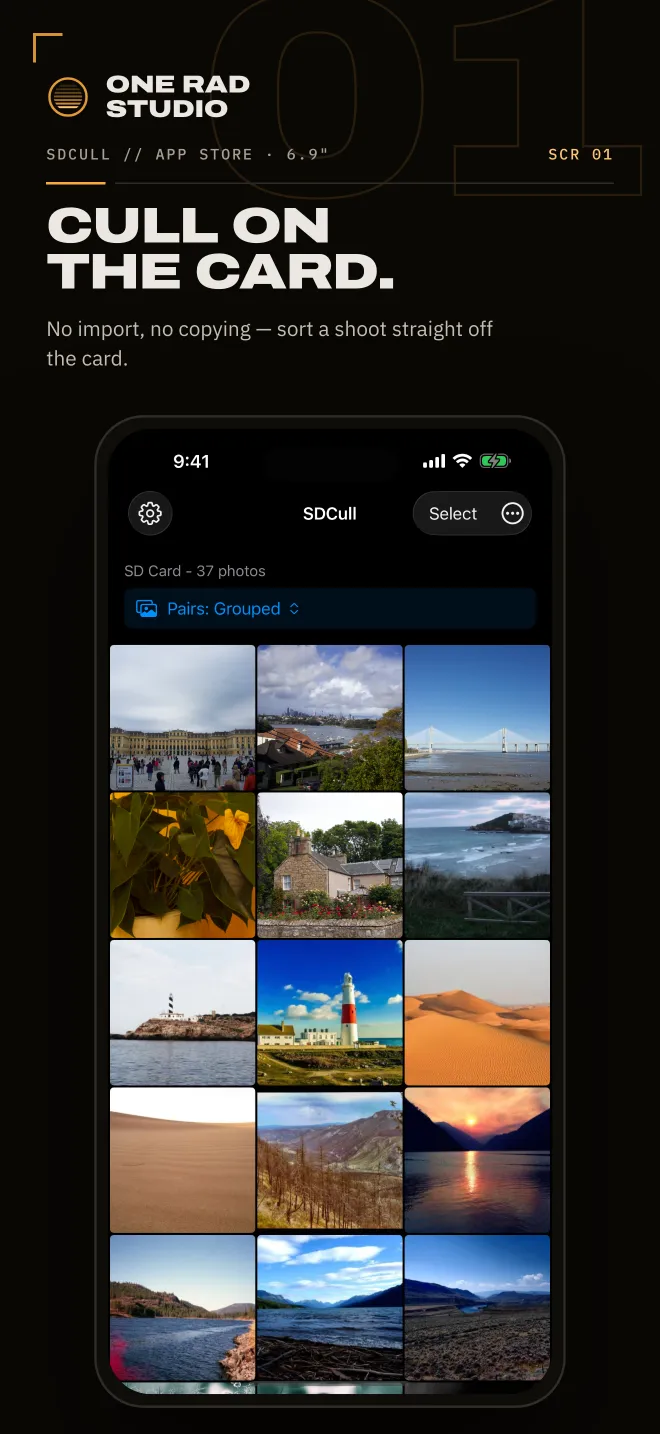
SDCull photo grid with RAW and JPEG/HEIF pairs grouped automatically, promo poster reading 'Cull on the card'
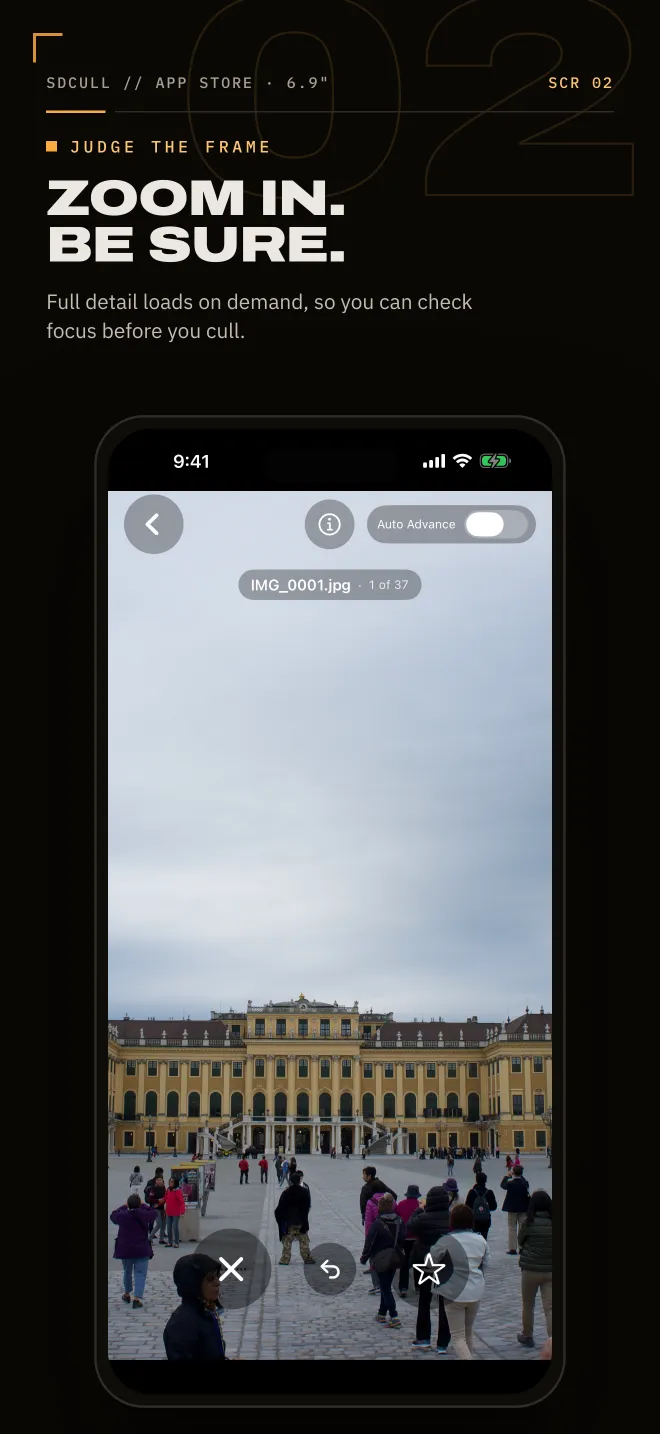
Zoomed-in photo detail view for checking focus, promo poster reading 'Zoom in. Be sure.'
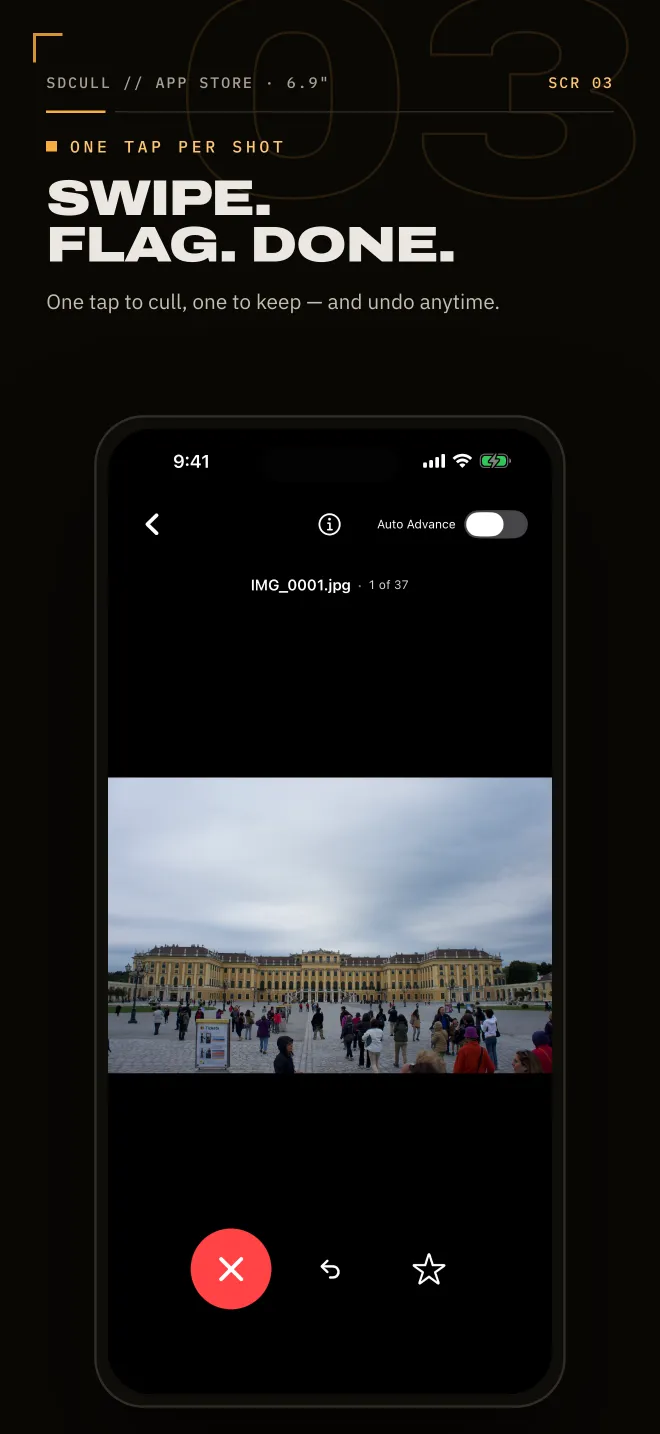
Photo detail view with a flagged cull, promo poster reading 'Swipe. Flag. Done.'
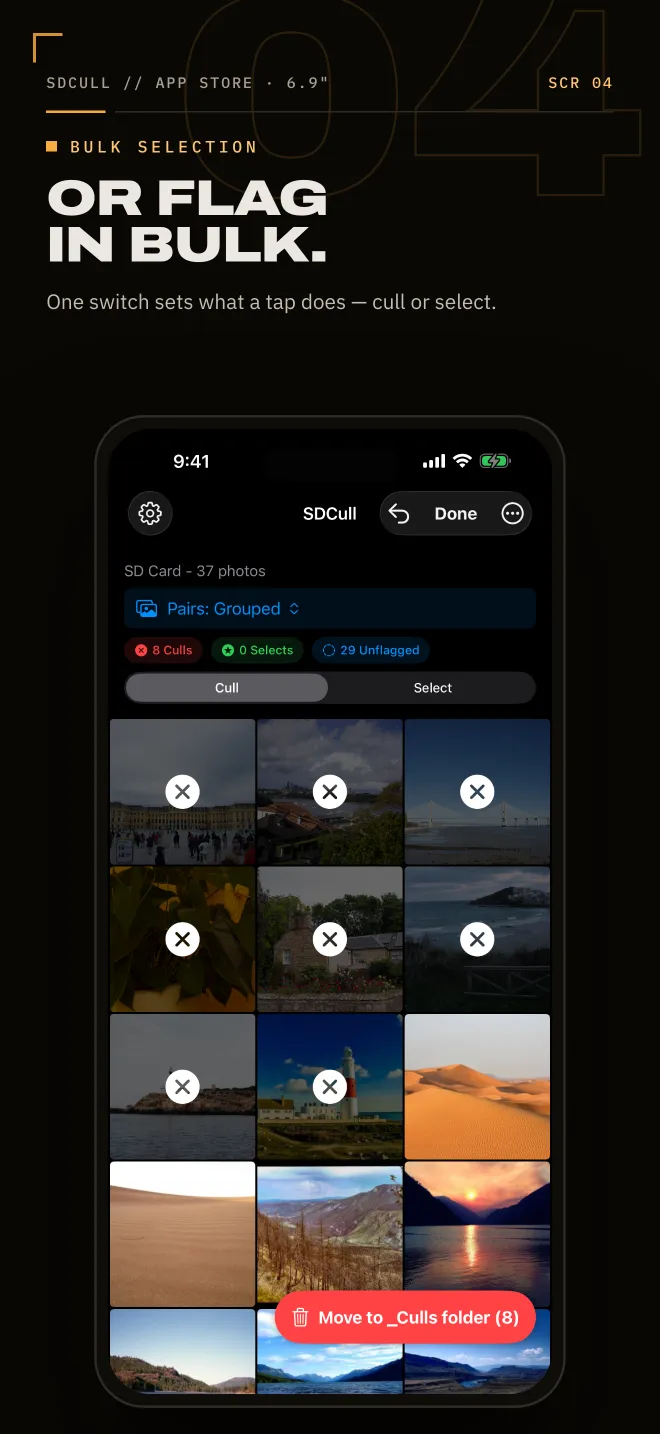
Selection mode for bulk-flagging photos, promo poster reading 'Or flag in bulk.'
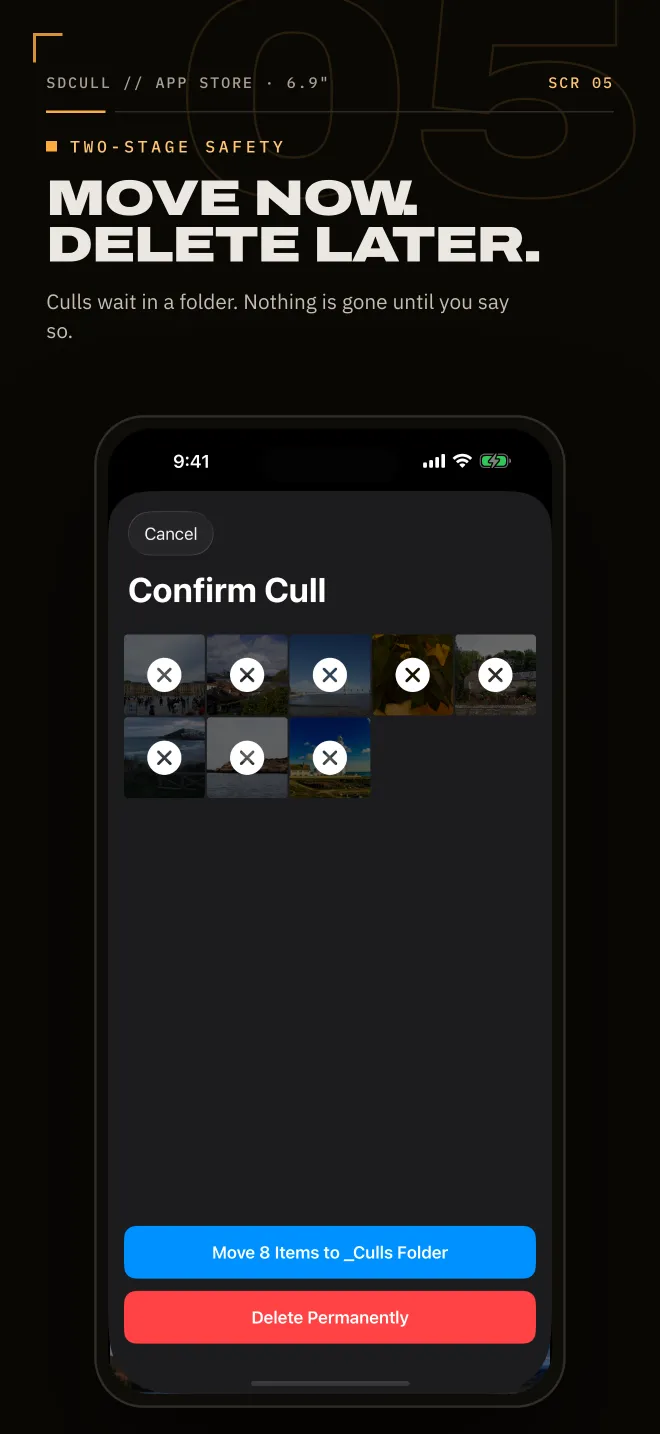
Cull confirmation before flagged photos move to a safety folder, promo poster reading 'Move now. Delete later.'
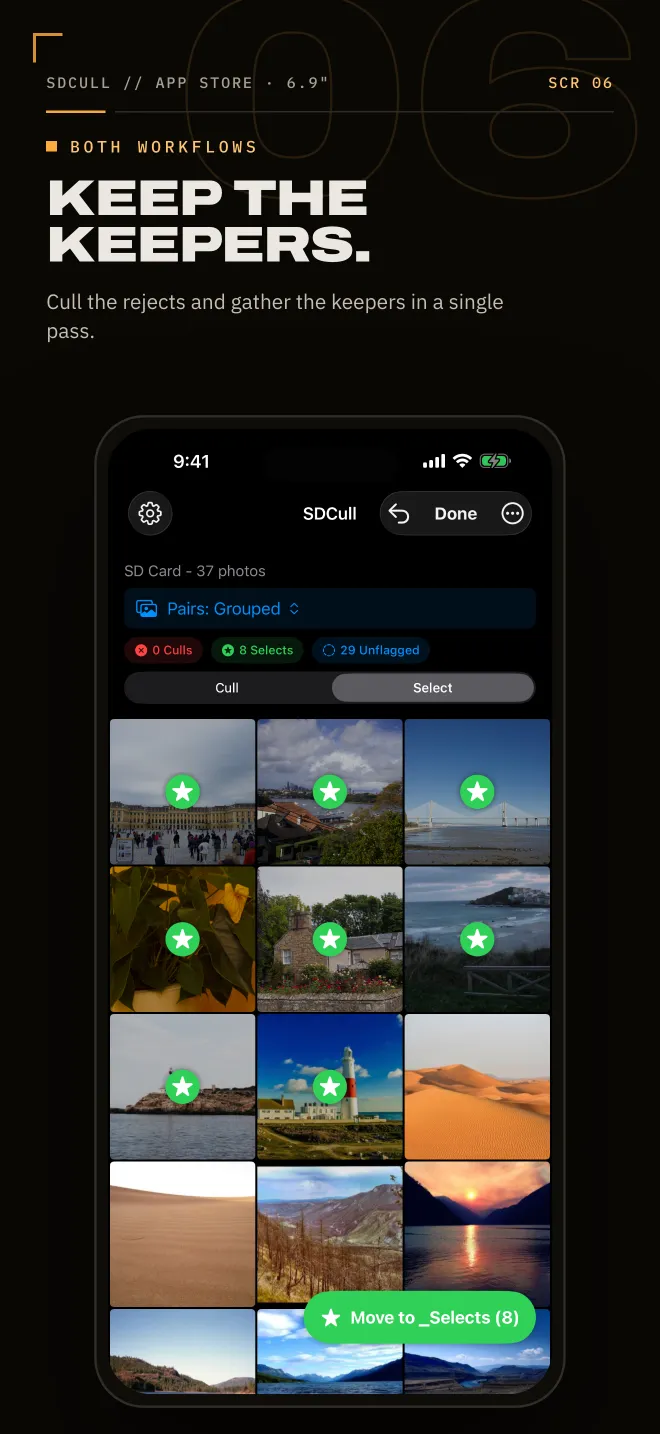
Selection mode flagging keeper photos as selects, promo poster reading 'Keep the keepers.'
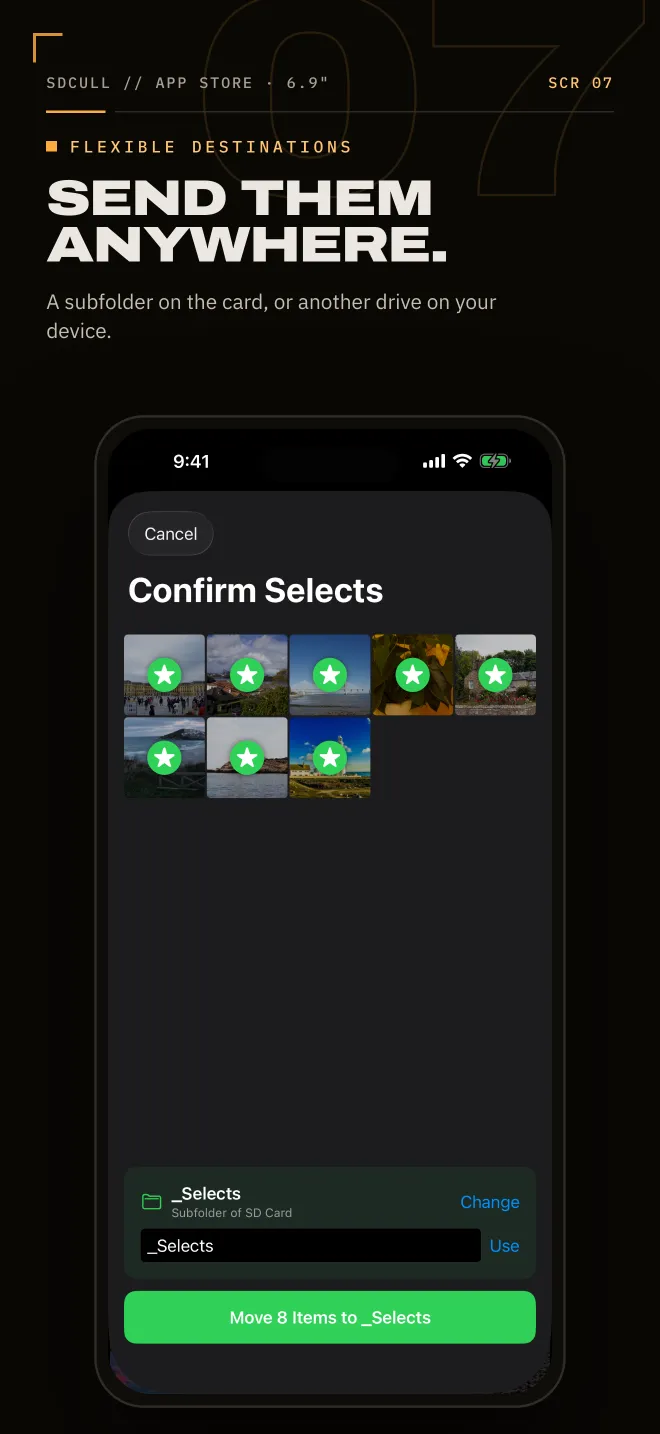
Choosing a destination folder for selected photos, promo poster reading 'Send them anywhere.'
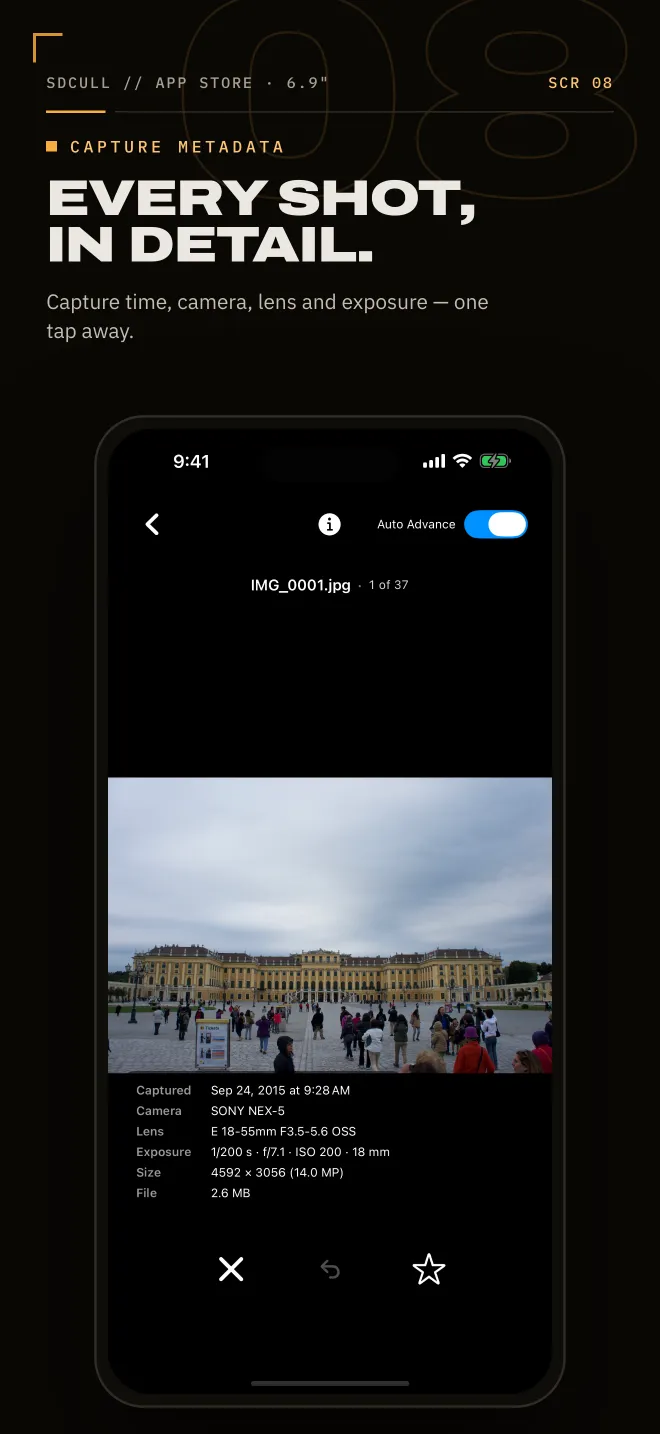
Full-screen photo detail view with EXIF metadata overlay, promo poster reading 'Every shot, in detail.'

Privacy First Design

SDCull is built to be completely offline. Your photos never leave your device or drive. We don't track your files, metadata, or activity.

Need Help?

If you have questions about SDCull, need format support, or want to report a bug, reach out:

We typically respond within 24–48 hours

Bug Reports — Include

  • Your iPhone/iPad model
  • iOS/iPadOS version
  • Type of SD card reader used
  • Screenshots if applicable

Developed by One Rad Studio LLC